Official Tool

Verify
Your Certificate

Enter the details printed on your GDGOC Binus certificate to confirm its authenticity. Verification runs entirely in your browser - nothing is sent anywhere.

Certificate Details

key person
calendar_month
core-team-participation
today
Clear Verify
Missing Your Certificate?

Your contribution deserves recognition.

If you participated in the 2024–2025 GDGOC Binus University International batch and haven't received your certificate yet — reach out and we'll get it sorted.

Proof of participation 01

Prepare proof of participation

Gather evidence that you contributed — a screenshot of attendance, a photo from the event, a confirmation message, or any document showing your involvement.

Send an email 02

Send us an email

Email contact@gdgocbinus.com with the subject Certificate Request. Include your full name, the event you attended, and your proof of participation.

Receive your certificate 03

Wait 3–5 working days

Once verified, your certificate ID will be generated and sent to you. You can then use this tool to confirm its authenticity at any time.

How it works

01

Cryptographic ID

Each certificate is assigned a unique ID built from a SHA-256 hash of your name, event, and date.

02

Tamper-proof Checksum

A two-character checksum at the end of the ID catches any tampering or transcription errors.

03

100% In-browser

Verification uses the Web Crypto API. No data ever leaves your device.

Get Involved

Planning to join our community?

GDGOC Binus University International brings together students passionate about Google technologies, open source, and building for the future. Everyone is welcome.

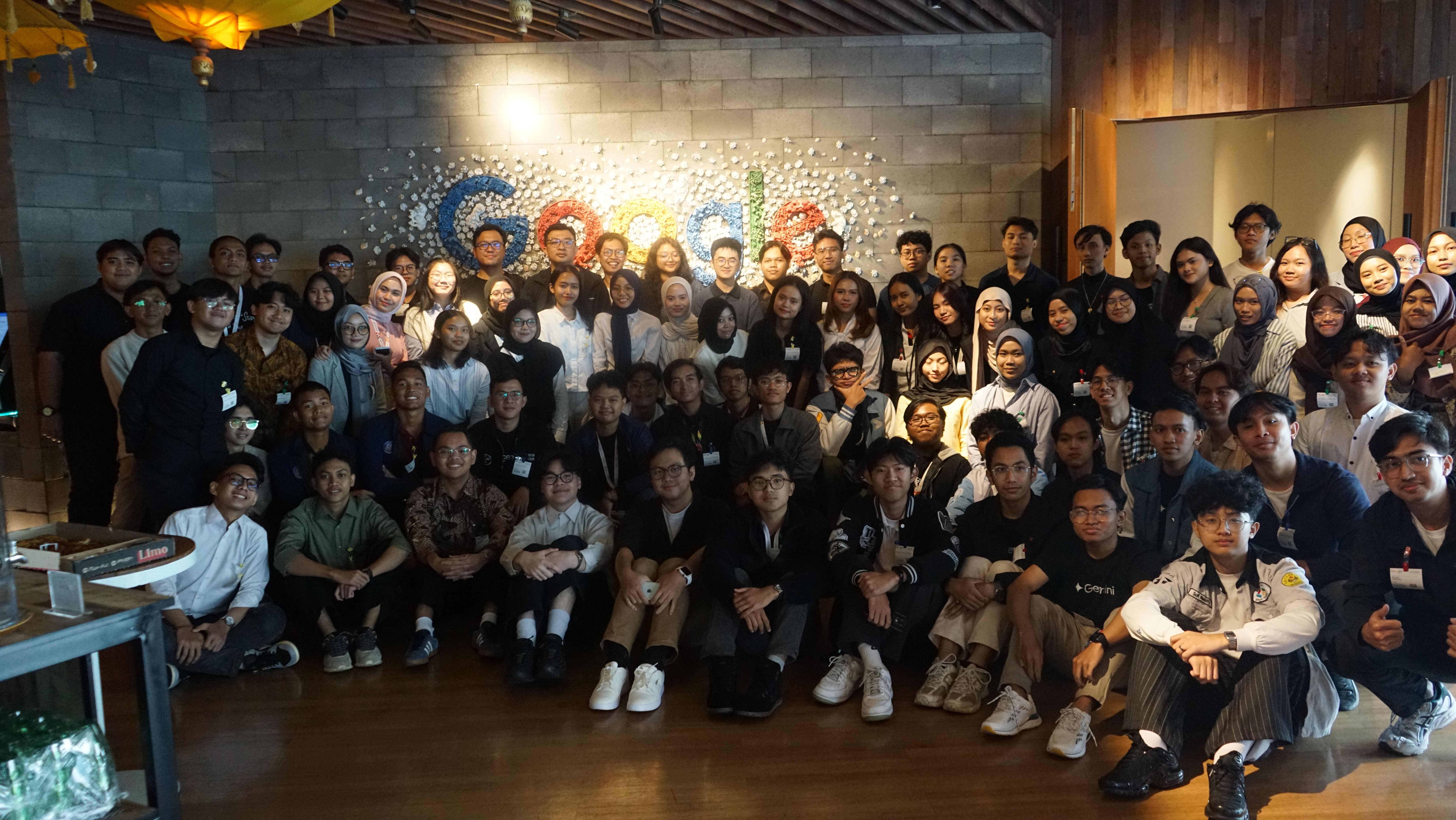
GDGOC team at Google HQ
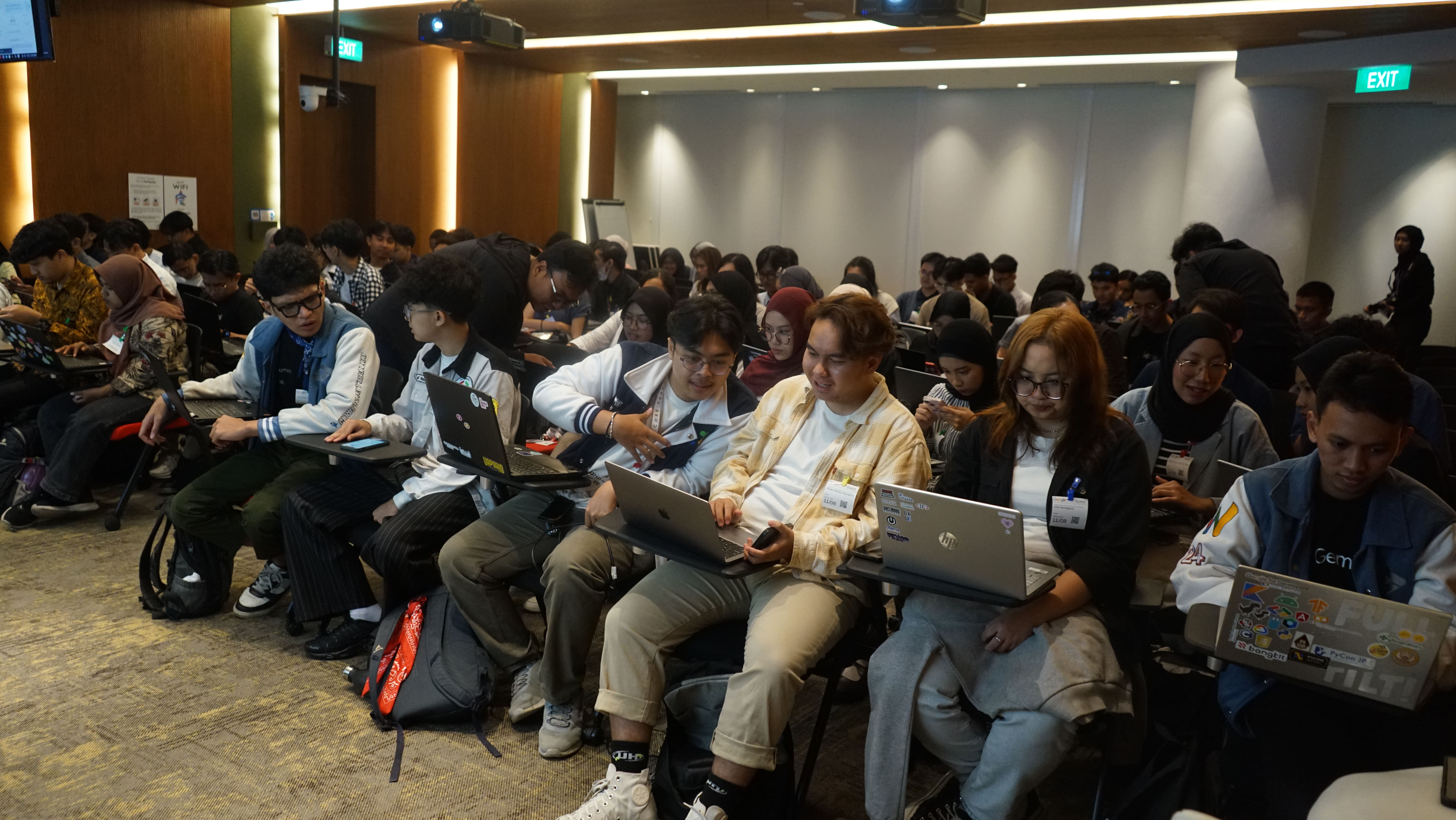
Community members in Jakarta
Community workshop session
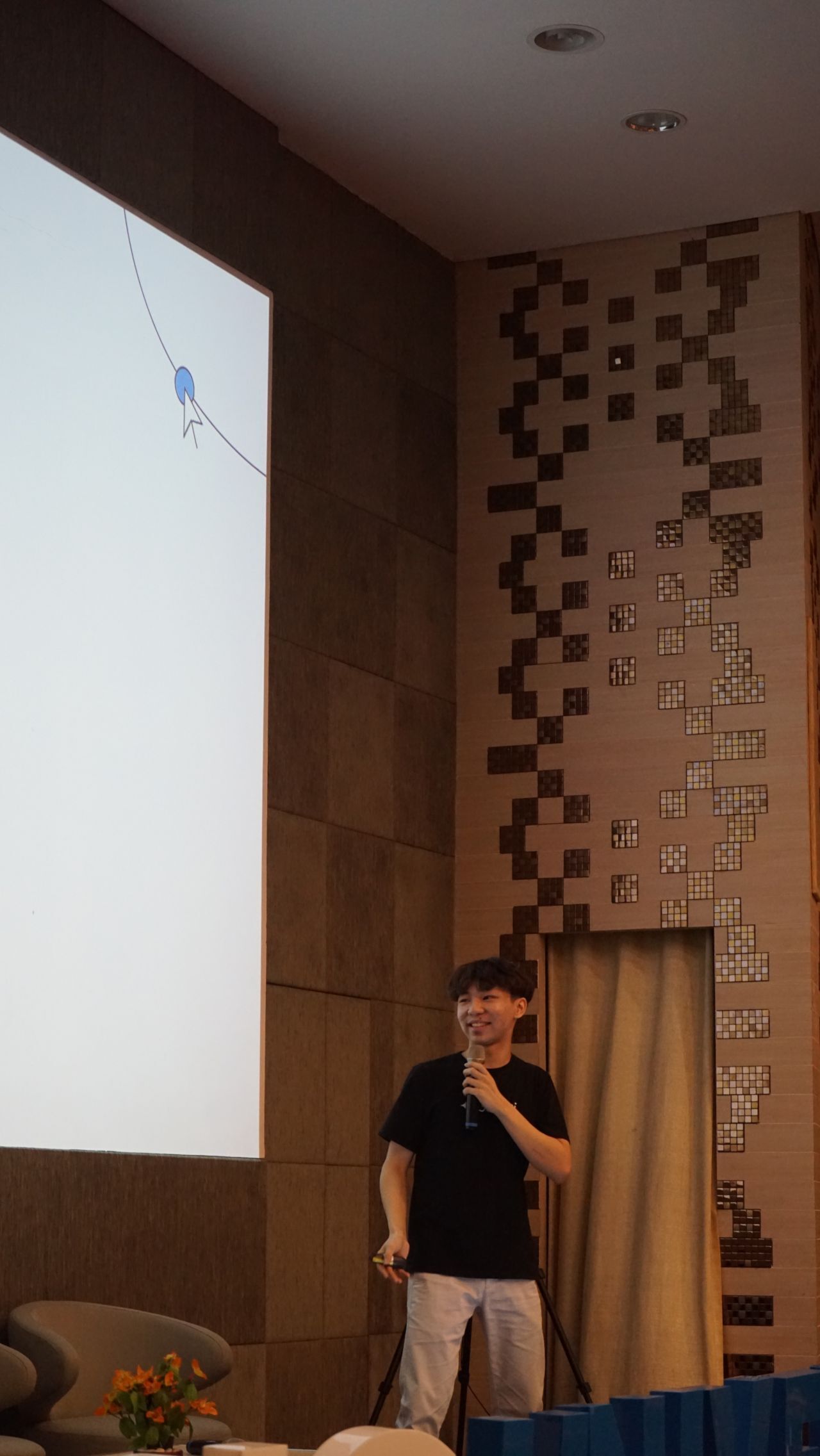
Speaker presenting at GDGOC event